
AI pet portrait generator
A portrait of your pet — that can actually move
Upload one photo, keep your pet's real markings and expression, and create a custom portrait. Then do what a photo-only tool can't: bring the portrait to life as a short, shareable clip.
7 free credits every day plus one 4s 480p video — failed generations refund automatically.
Open in the editorA keepsake that stays true to your pet
The reason pet portraits are emotional is the same reason most AI tools get them wrong: the markings, the eyes, the exact expression are the whole point. Upload a clear photo as a reference and the portrait is built around your actual pet — its coat pattern, its face, its personality — not a generic look-alike. Choose the style, from painterly keepsake to festive costume portrait.
Then there is the part a still-image tool cannot do: make it move. Because the same workspace generates video, an approved portrait can become a short animated clip — a gentle turn, a blink, a tail wag — the kind of moment that gets saved and shared. One place for the keepsake image and the living version of it.
Styles you can create
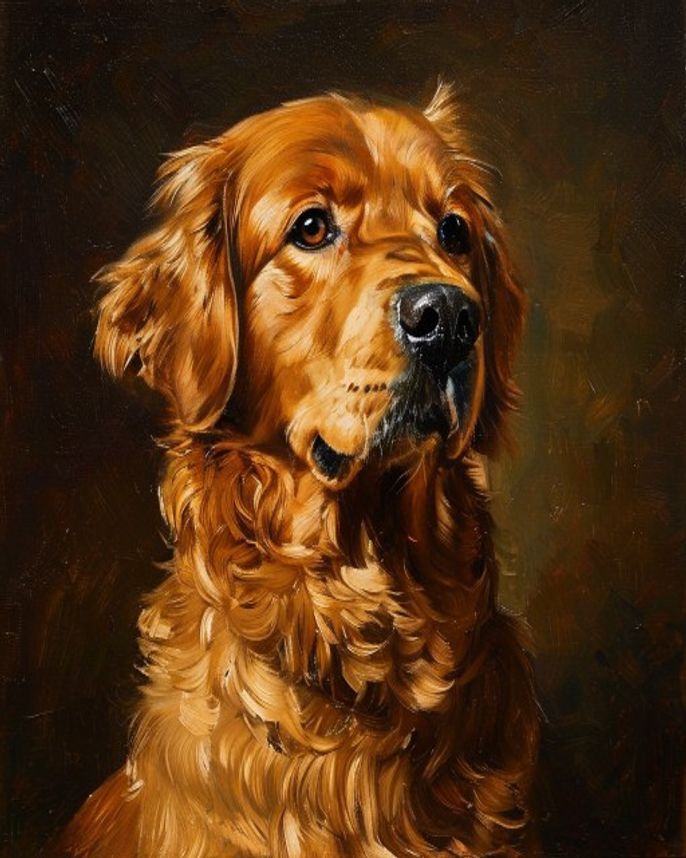
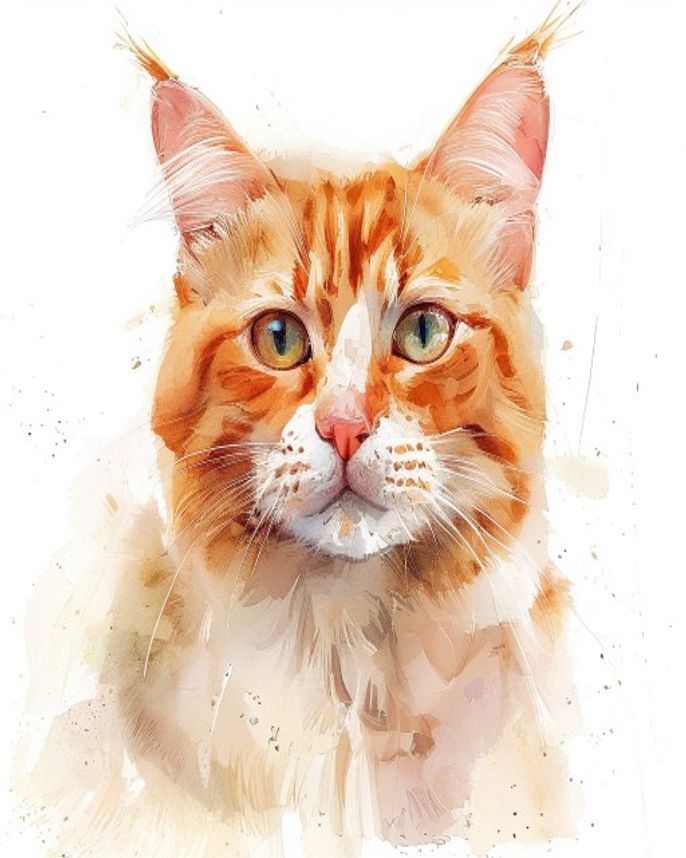
Create a portrait in four steps
- 1
Upload a clear photo
Add a well-lit photo of your pet as the reference. This anchors the real markings, face, and expression.
- 2
Pick a style
Choose the look — classic painterly, modern, or a themed costume portrait — and describe any details you want kept.
- 3
Generate and choose
Render several portraits, compare them, and pick the one that looks most like your pet.
- 4
Bring it to life
Take the approved portrait into video and add gentle motion for a short, shareable clip.
What people make
- Keepsake portraits of a current or memorial pet
- Themed portraits — birthday, holiday, wedding-with-pet
- Animated clips of the portrait for social sharing
- Custom gifts for pet owners
- Matching portraits of multiple pets in one household
- Print-ready art plus a moving version to share
Why this workspace for pet portraits
True to your actual pet
Reference-driven generation keeps real markings, face, and expression instead of a generic look-alike.
Portraits that move
The same workspace generates video, so a still portrait can become a short animated clip most tools can't produce.
Cost shown up front
See the credit estimate before generating, and get reserved credits back if a render fails.
AI pet portrait FAQ
Will it look like my actual pet?
Yes — upload a clear photo as a reference and the portrait is built around your pet's real markings, face, and expression rather than a generic animal.
Can I make the portrait move?
Yes. Because the workspace also generates video, an approved portrait can be brought to life as a short animated clip — a turn, a blink, a tail wag.
What styles can I choose?
From classic painterly keepsakes to themed and costume portraits. Describe the look you want and keep the details that matter.
Can I do more than one pet?
Yes. Upload multiple pet photos as references to create matching portraits for a household.
What if I don't like the result?
Generate several options and pick the best. Failed renders return their reserved credits automatically.