AI headshot generator
A headshot that still looks like you
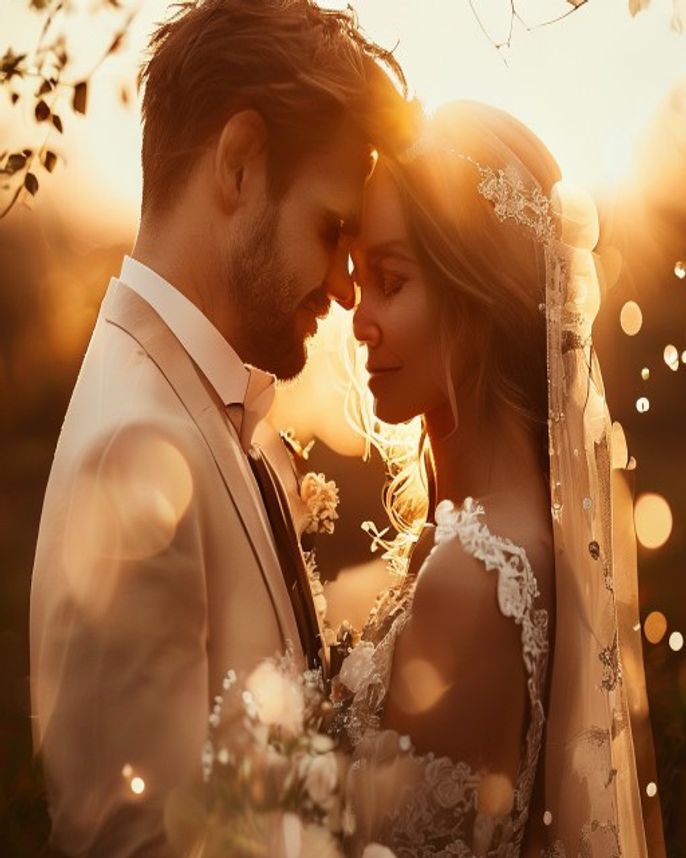
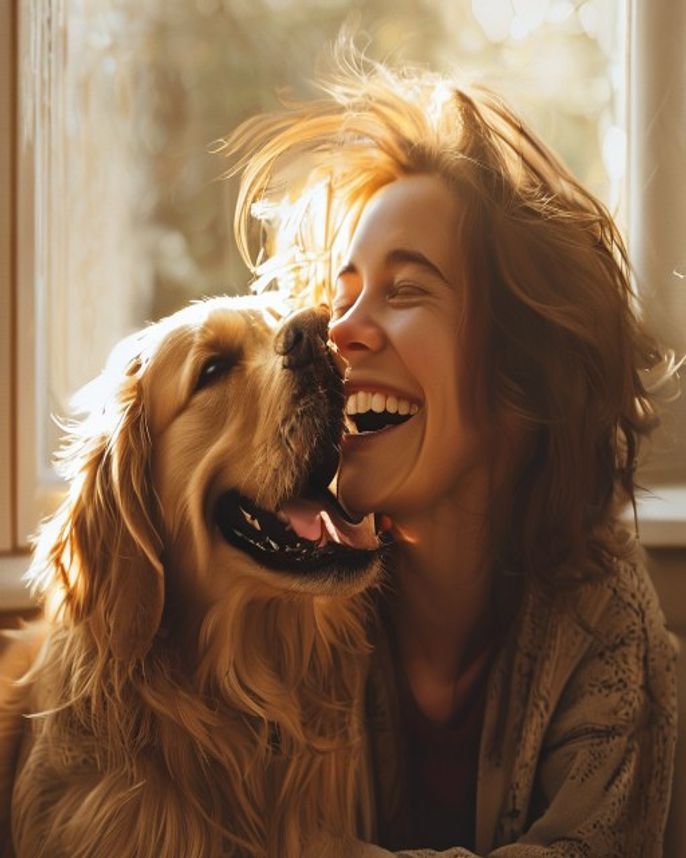
Upload one clear photo, pick a style, and get a portrait built around your actual face — not a smoothed-over stranger. Business headshots, wedding portraits, family photos, and pet-with-owner keepsakes, all from the same workspace.
7 free credits every day plus one 4s 480p video — failed generations refund automatically.
Open in the editorWhy most AI headshot tools don't look like you
Most AI headshot generators train on your photos and hand back a stranger who sort of resembles you — smoothed, symmetrical, slightly wrong. This workspace works differently: it uses your uploaded photo as a locked reference, not training data, so the bone structure, skin tone, and expression stay yours while the lighting, background, and styling change around it.
That same reference-driven approach is what already keeps products and characters consistent for other creators on this workspace — for a headshot, it means the difference between a portrait you'd actually use on LinkedIn and one that makes people ask if you got new headshots done by someone else.
What you can generate from one photo

Create a headshot in four steps
- 1
Upload a clear photo
A well-lit, front-facing photo works best. This becomes the locked reference for your face.
- 2
Pick a style
Business headshot, wedding portrait, family photo, or a themed keepsake — describe the setting and wardrobe you want.
- 3
Generate and compare
Render a few options side by side and pick the one that looks most like you.
- 4
Reuse across occasions
Keep the same reference photo to generate a new style later — a different background, outfit, or season — without starting over.
What people create
- Business headshots for LinkedIn, a company site, or a resume
- Wedding and engagement portraits
- Family portraits without booking a studio
- Pet-and-owner keepsake photos
- E-commerce model shots reusing an approved face across a product line
- Localized professional headshots for non-English job markets
Why this workspace for headshots
Built to keep your real face
Reference-driven generation locks identity instead of averaging toward a generic AI look.
One photo, many occasions
Reuse the same reference for a business headshot today and a wedding portrait later.
Cost shown up front
See the credit estimate before generating, and get reserved credits back automatically if a render fails.
AI headshot generator FAQ
Will it actually look like me?
Upload a clear, front-facing photo as your reference. The generation is built around that photo rather than trained to produce an average face, so your real features stay recognizable.
What styles can I choose?
Business headshots, wedding and engagement portraits, family photos, and themed keepsakes including pet-with-owner shots. Describe the setting, lighting, and wardrobe you want.
Can I make more than one style from the same photo?
Yes. Keep the same reference photo and generate new styles whenever you need a different occasion or background.
Can I use it for a professional headshot outside English-speaking markets?
Yes. The workspace runs in 15 languages, so you can describe the style and setting in your own language.
What if I don't like the result?
Generate a few options and pick the strongest. Failed renders return their reserved credits automatically.